CAPACITIVE
A finger changes the field
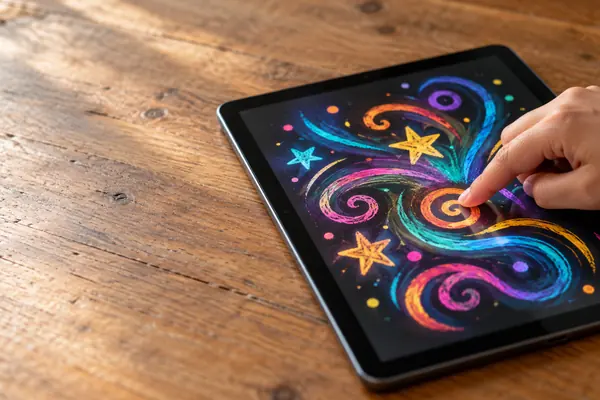
In a mutual capacitance screen, crossing rows and columns form tiny capacitors. A finger nearby reduces the capacitance at that crossing, and that marks the spot.
Compare the screens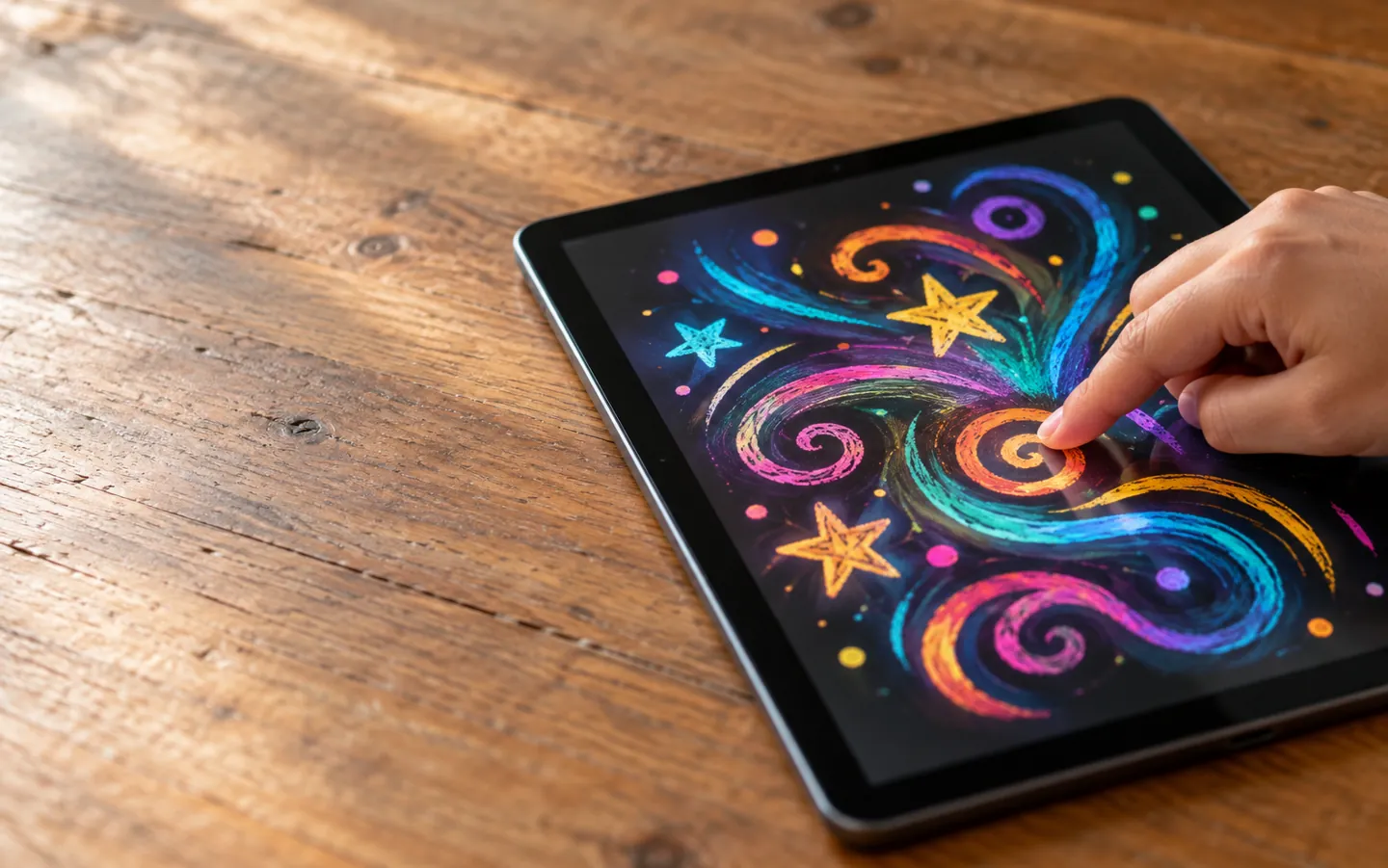
HOW TOUCHSCREENS SENSE A DOODLE
X + Y under the glass
AI-generated image, not a photograph of a real person or place.
Some screens can sense a finger before it even touches the glass.
On most phones and tablets it senses a change in capacitance: your finger is a conductor that disturbs a grid of tiny electric fields under the glass. The screen's controller works out where the change is, and the app turns that into a line.
THE SHORT ANSWER
Most modern screens are capacitive.
Older and tougher ones are often resistive.
CAPACITIVE
In a mutual capacitance screen, crossing rows and columns form tiny capacitors. A finger nearby reduces the capacitance at that crossing, and that marks the spot.
Compare the screensSTYLUS
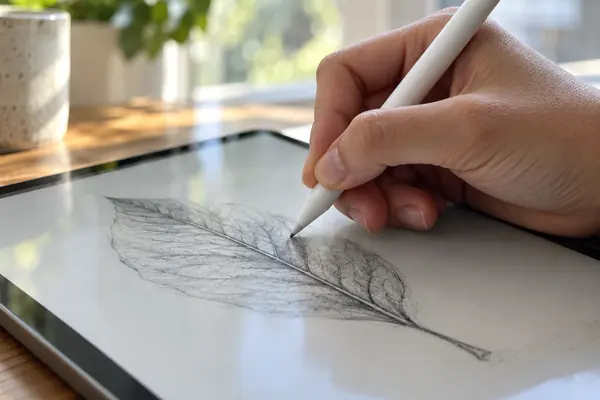
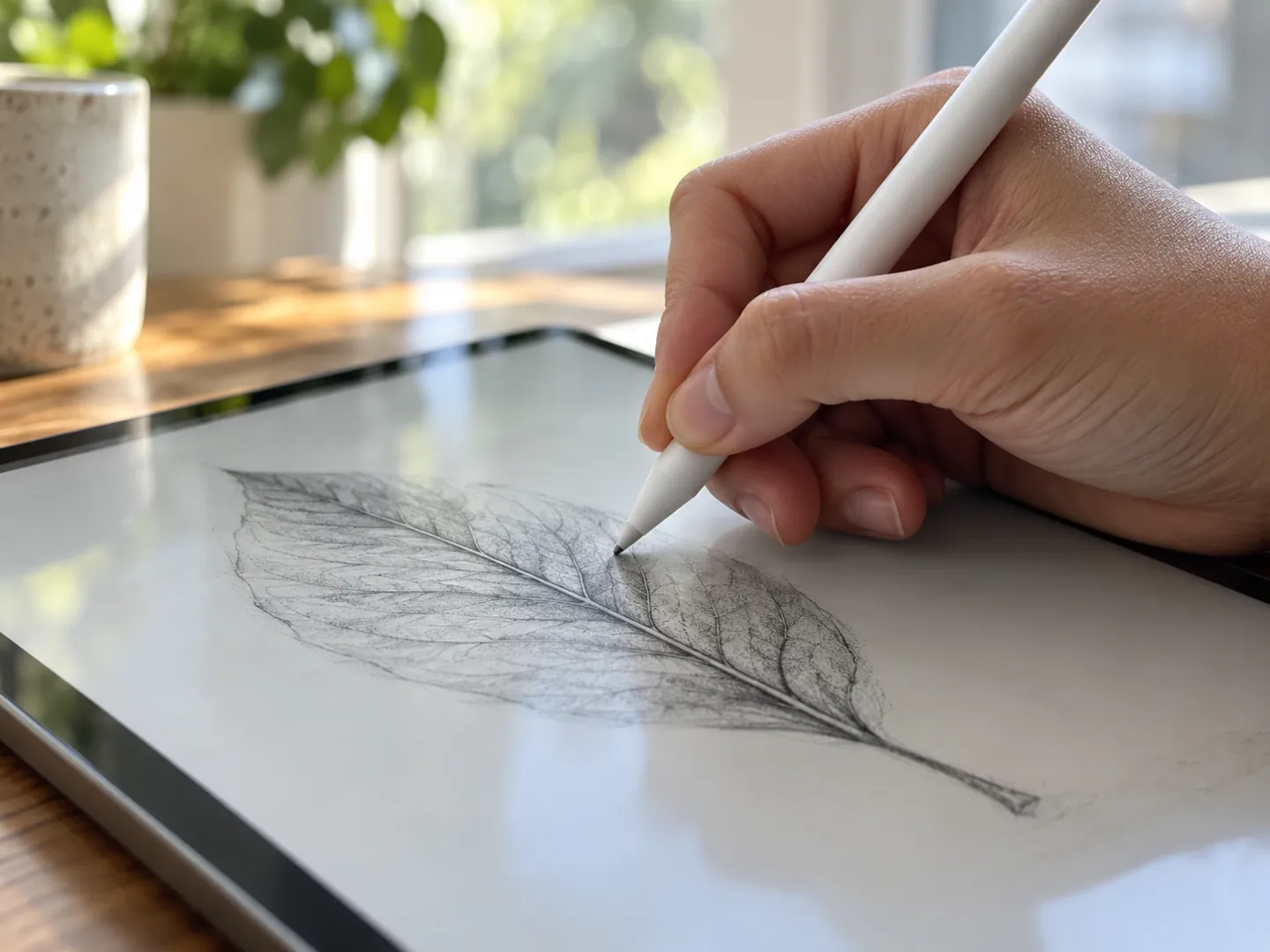
An active pen has electronics that send signals to the screen's digitiser, giving position, pressure and features such as palm rejection and hover.
See the numbersGLOVES
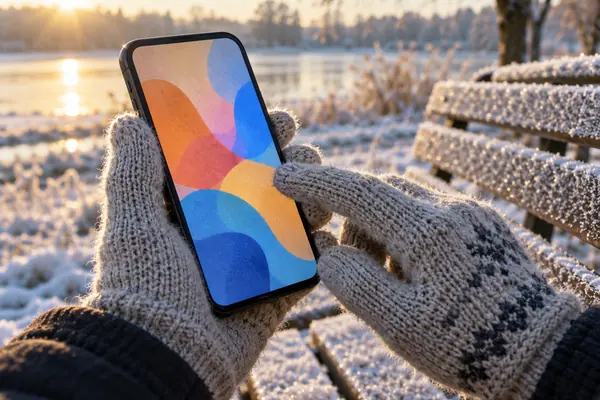
Some capacitive screens cannot sense a finger through insulating material. Gloves with conductive thread in the fingertip, or a capacitive stylus, get around it.
Tips for drawing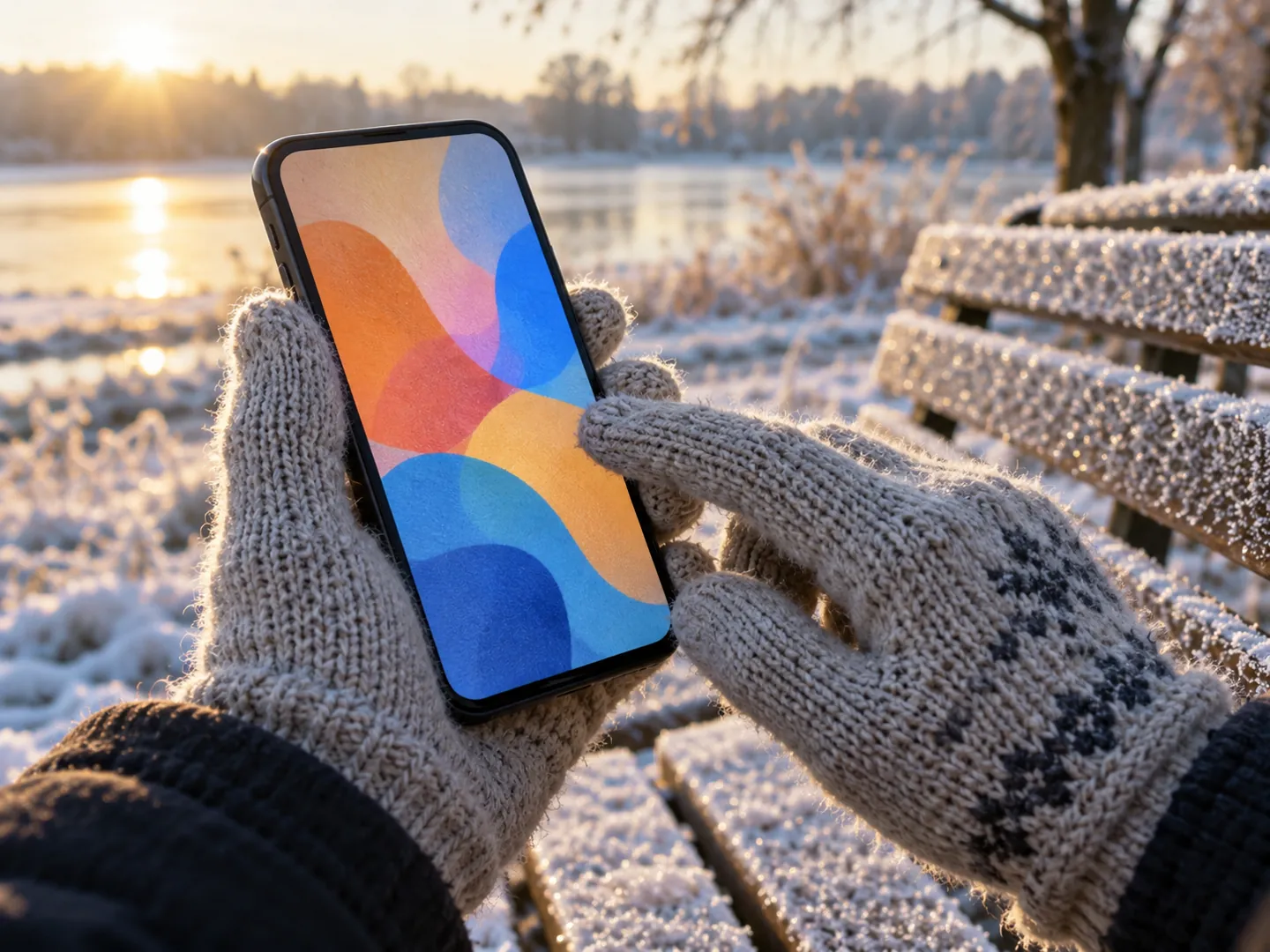
FOUR THINGS TO KNOW
These follow from how the screens work, whichever drawing app you use.
On a capacitive screen, a basic stylus needs a conductive tip, or the screen will not notice it.
Pressure and tilt come from an active pen, and the app has to support them to vary the line.
Palm rejection, enabled by active pens, lets the device ignore a hand resting on the glass.
In the cold, gloves with conductive thread in the fingertip let a capacitive screen sense you.
TWO NUMBERS WORTH KNOWING
One figure from an early capacitive button,
one from today's pressure-sensing pens.
≈ 10%
Change in a 1970s CERN touch button when a finger came near
Each button had a capacitance of about 200 pF, which rose by about 10% when a finger came close. The copper lines were 80 μm wide, fine enough to be invisible.
EARLY TOUCH · CERN COURIER
8,192
Pressure levels some drawing pens can report
Some active pens support 8,192 levels of pressure sensitivity plus tilt recognition, which helps apps draw natural-looking pen, brush and eraser strokes.
PRESSURE · ACTIVE PENS
When CERN's Super Proton Synchrotron started up in 1976, its control room was fully equipped with these touch screens, and some stayed in use for 30 years.
A QUICK COMPARISON
Pick a way of touching the screen to see whether each kind of touchscreen can sense it. The bar shows how well it works on a typical capacitive phone or tablet.
Based on CERN Courier and encyclopedia articles on touchscreen technology. General information.
WHERE TOUCH BEGAN
The first finger-driven touchscreen was developed at the Royal Radar Establishment in Malvern, England, and described in a short article in 1965. In 1972 a CERN engineer proposed a transparent capacitive screen with capacitors etched in fine copper lines on glass.
CERN's screens went into the Super Proton Synchrotron's control room for its start-up in 1976. Resistive screens followed a different path, and projected capacitive screens overtook them in revenue in 2010 and in units in 2011.
In conversation
Many capacitive screens sense a conductor, and some cannot detect a finger through insulating material such as an ordinary glove. Gloves with conductive thread in the fingertip can work.
Capacitive screens sense a change in an electric field caused by a finger. Resistive screens have two layers that are pressed together, so any stylus or gloved finger works.
A capacitive screen finds a finger from the change in capacitance. In the sources, pressure sensitivity comes from active pens, which report pressure to the screen's digitiser.
A feature enabled by active pens that stops the screen treating a resting hand as input, so you can lean on the glass while drawing.
The first finger-driven touchscreen was described in 1965 by an engineer at the Royal Radar Establishment in Malvern. CERN's transparent capacitive screens followed in the early 1970s.
Each figure on this page comes from the sources below.
ABOUT THIS NAME
doodlingapp.com is part of the DoodleSale portfolio. It isn't in an auction right now, but you can ask about leasing it.